 Download
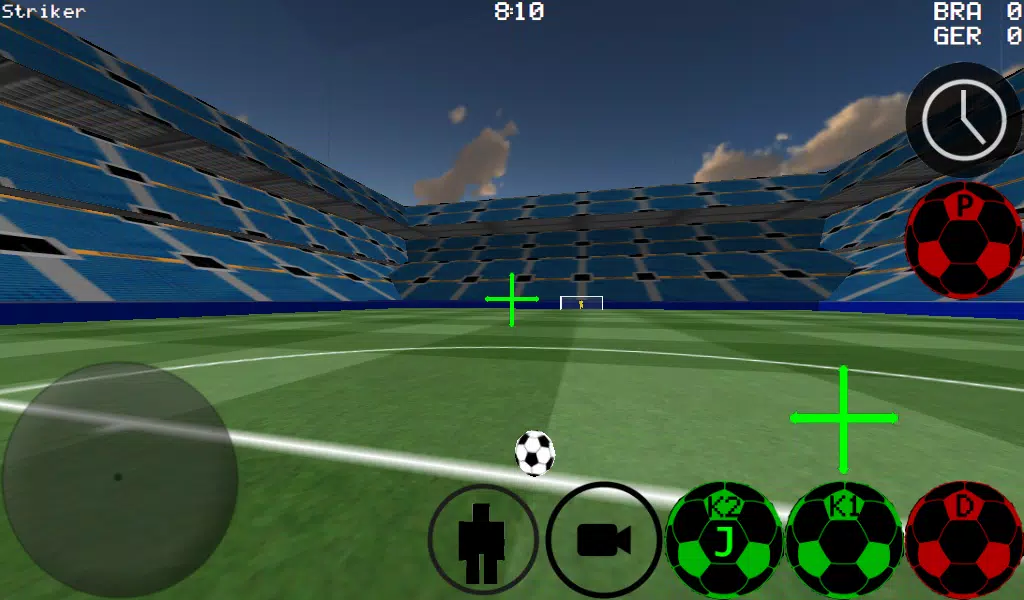
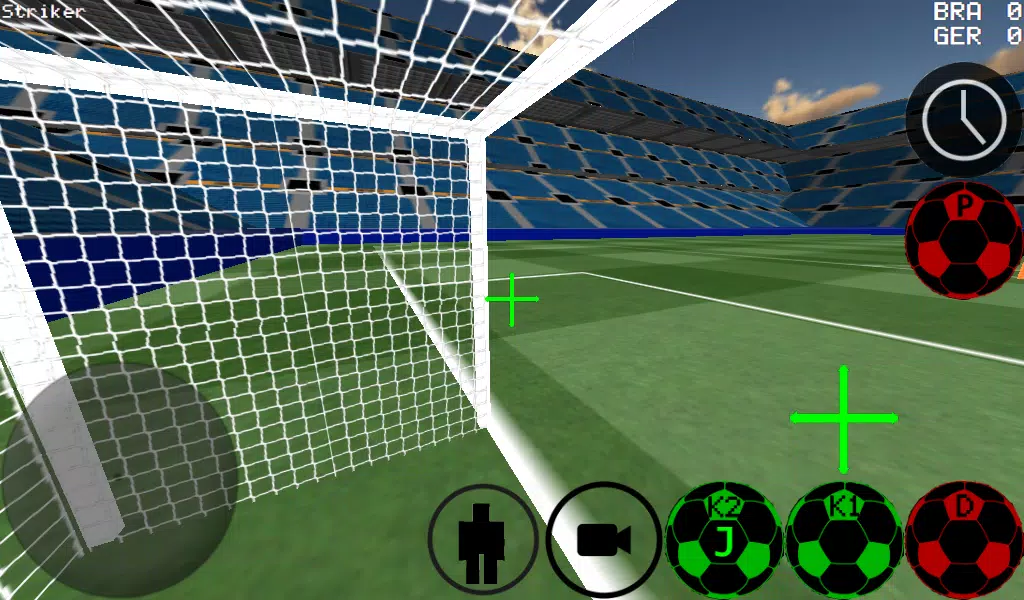
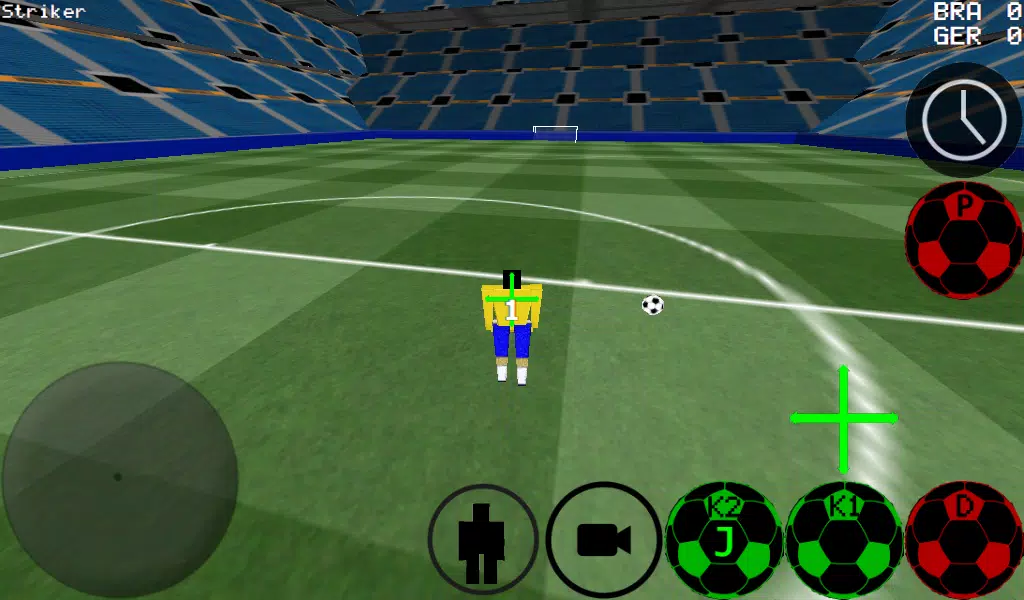
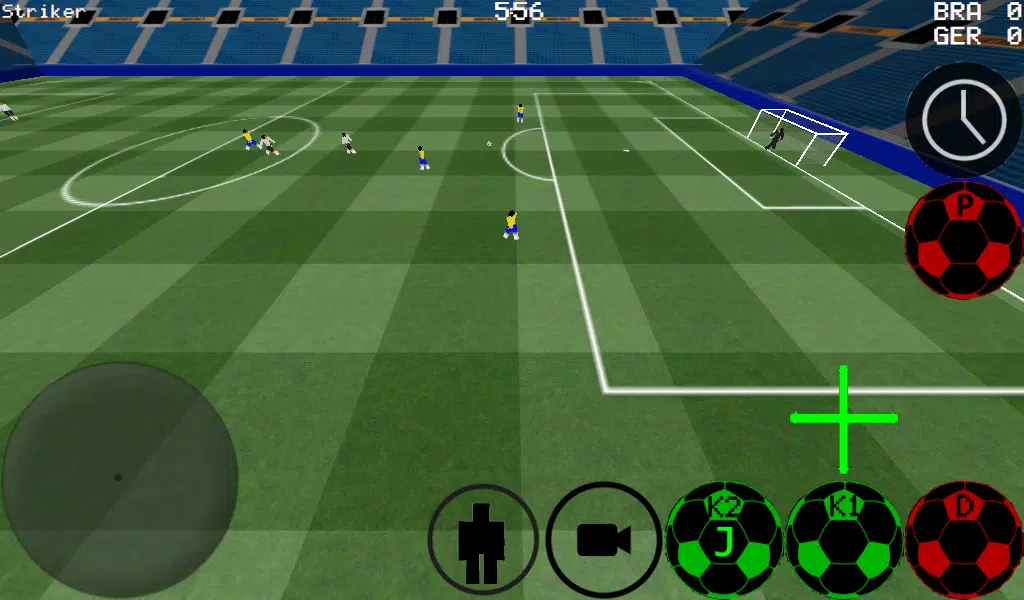
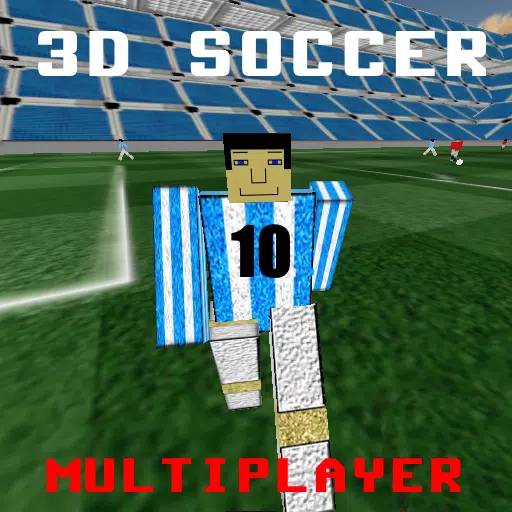
Immerse yourself in the thrilling world of soccer with our cutting-edge First Person Soccer Game that revolutionizes the way you experience the sport. Whether you prefer the intense immersion of first-person view, or you'd rather switch to third-person, top, or stadium views, our game offers versatile perspectives to suit your gameplay style. Master the art of ball control with advanced dribbling and kicking mechanics, perfect for those who want to showcase their skills on the virtual pitch.
Engage in matches ranging from intimate 4 vs 4 showdowns to full-scale 11 vs 11 battles. Step into the shoes of any player on the field, including the goalkeeper, and take command of the game. Choose between auto dribble for ease or manual dribble for precision, and hone your skills with specialized practice modes like free kicks, corner kicks, and against-the-wall sessions. Unleash your creativity with freestyle moves and impress with ball spins that can turn the tide of the match.
Our game enhances your gameplay with features like time slowdown, allowing you to make those crucial shots with pinpoint accuracy. Whether you're playing solo or with friends, enjoy multiplayer action over LAN or the internet, supporting up to 5 vs 5 matches. With K1 and K2 kicks directing the ball where you're looking, you'll feel in complete control.
Experience the game in two different stadiums, and for those using an Xbox 360 controller via USB, we've got you covered with an intuitive layout:
- A = Dribble Button
- X = Medium Kick (in Camera Direction)
- Y or RIGHT BUTTON = High Power Kick (in Camera Direction)
- B = PASS (AI passes to player)
- START = Change Camera
- LEFT Button = Slow Time
- UP PAD = Change Player
- BACK = RETURN TO MENU
- RIGHT HAT = Camera Control
- LEFT HAT = Player Movement
Setting up a LAN or WAN server is straightforward:
To set up a LAN server:
- Turn on WiFi and ensure it connects to a Router/Modem.
- Click on LAN GAME.
- Click on START SERVER.
- Click Connect once or twice. You're now connected to the server as a player and also as the server.
To connect to a LAN server as a second player:
- Turn on WiFi and ensure it connects to the same Router/Modem as the server.
- Click on LAN GAME.
- Click on CONNECT a few times until you're connected to the game.
For internet play, create a server by:
- Port forwarding port 2500 on your Modem/Router to the IP of your phone or tablet.
- Click on LAN GAME.
- Click on START SERVER.
- Click Connect once or twice. You're now connected to the server as a player and also as the server.
To connect to an internet server:
- Click LAN CONNECT.
- Click IP / TI SERVER.
- Enter the IP of the server (e.g., 201.21.23.21) and click connect IP once or twice until you're in.
With our First Person Soccer Game, you're not just playing; you're living the sport. Get ready to kick off and score big!