 Download
CPU-Z is a powerful tool for Android users looking to dive deep into their device's hardware specifics. This free application, an extension of the renowned CPU identification software for PCs, provides a comprehensive overview of your Android's core components.
With CPU-Z, you can explore the following details about your device:
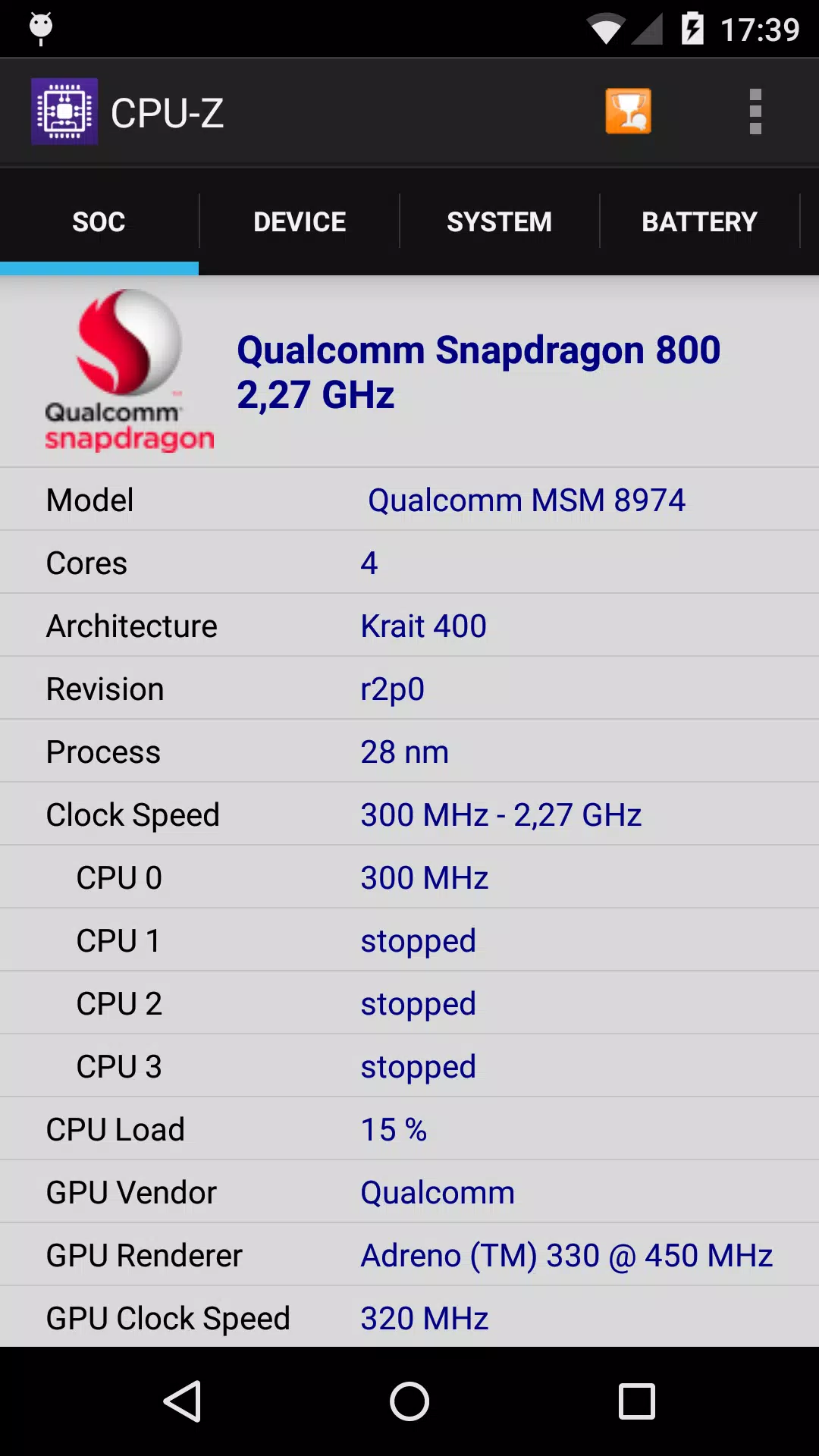
- SoC (System On Chip): Discover the name, architecture, and clock speed of each core, giving you a clear picture of your device's processing power.
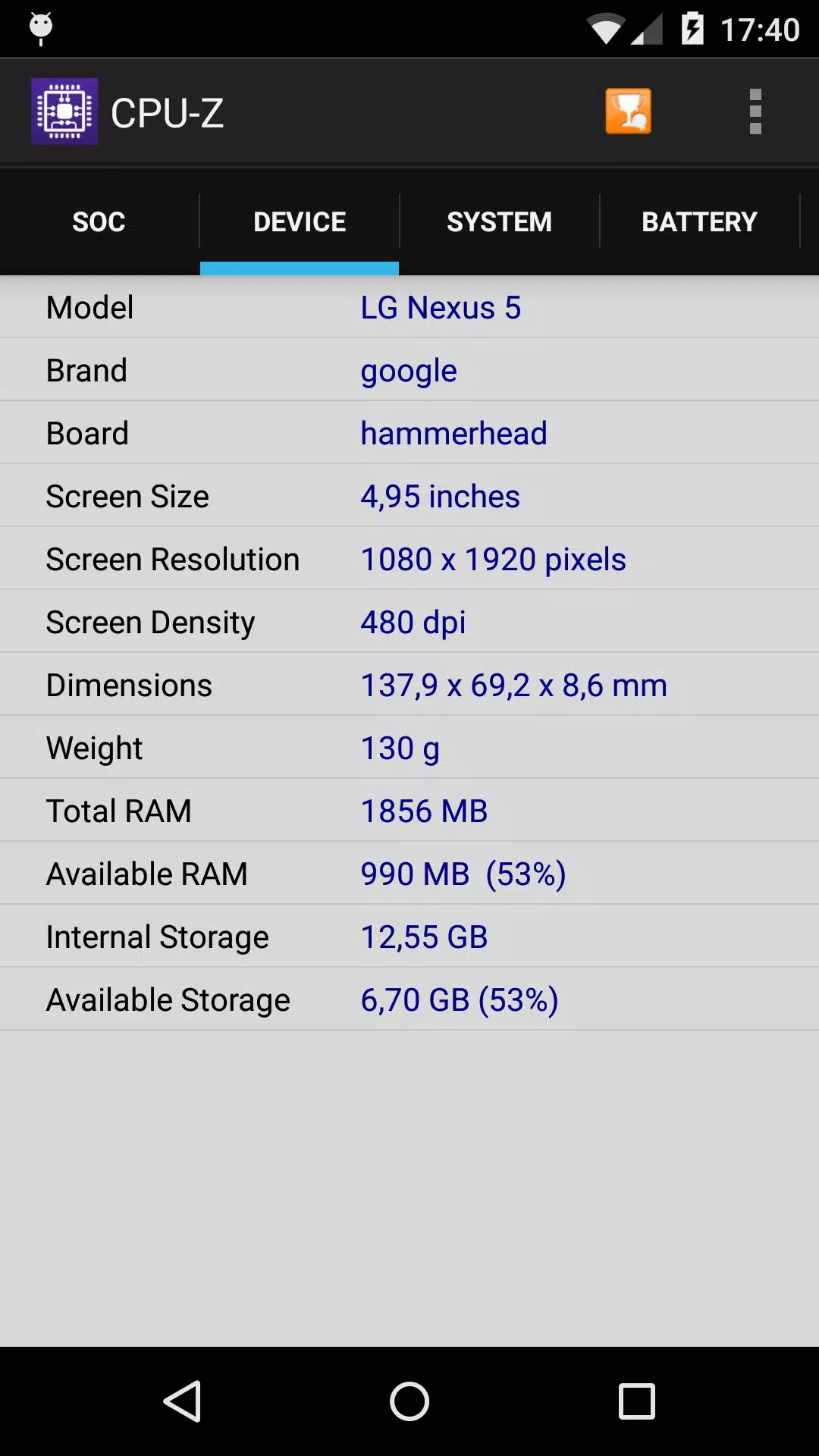
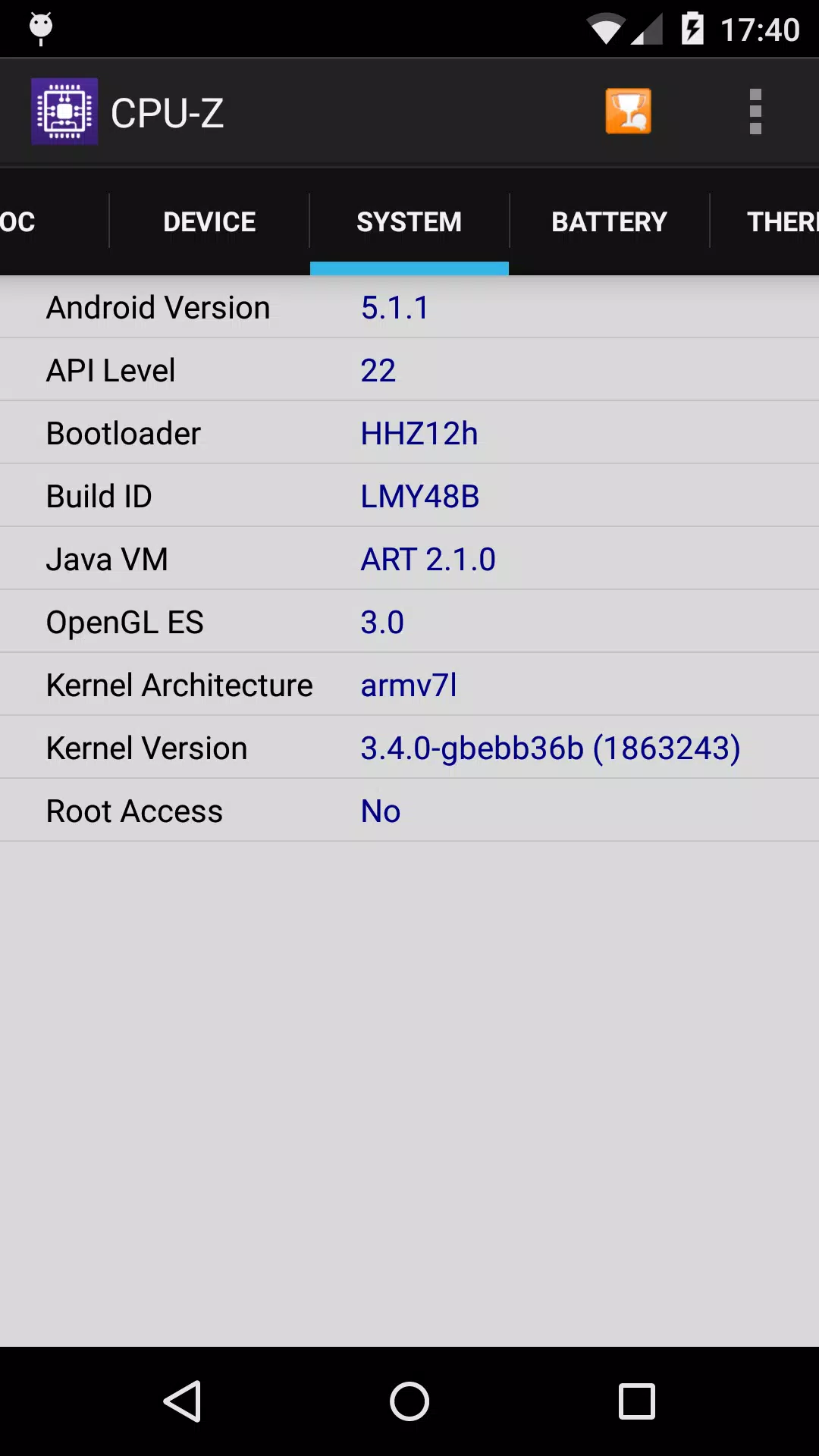
- System Information: Get insights into your device's brand, model, screen resolution, RAM, and storage capacity, helping you understand its overall capabilities.
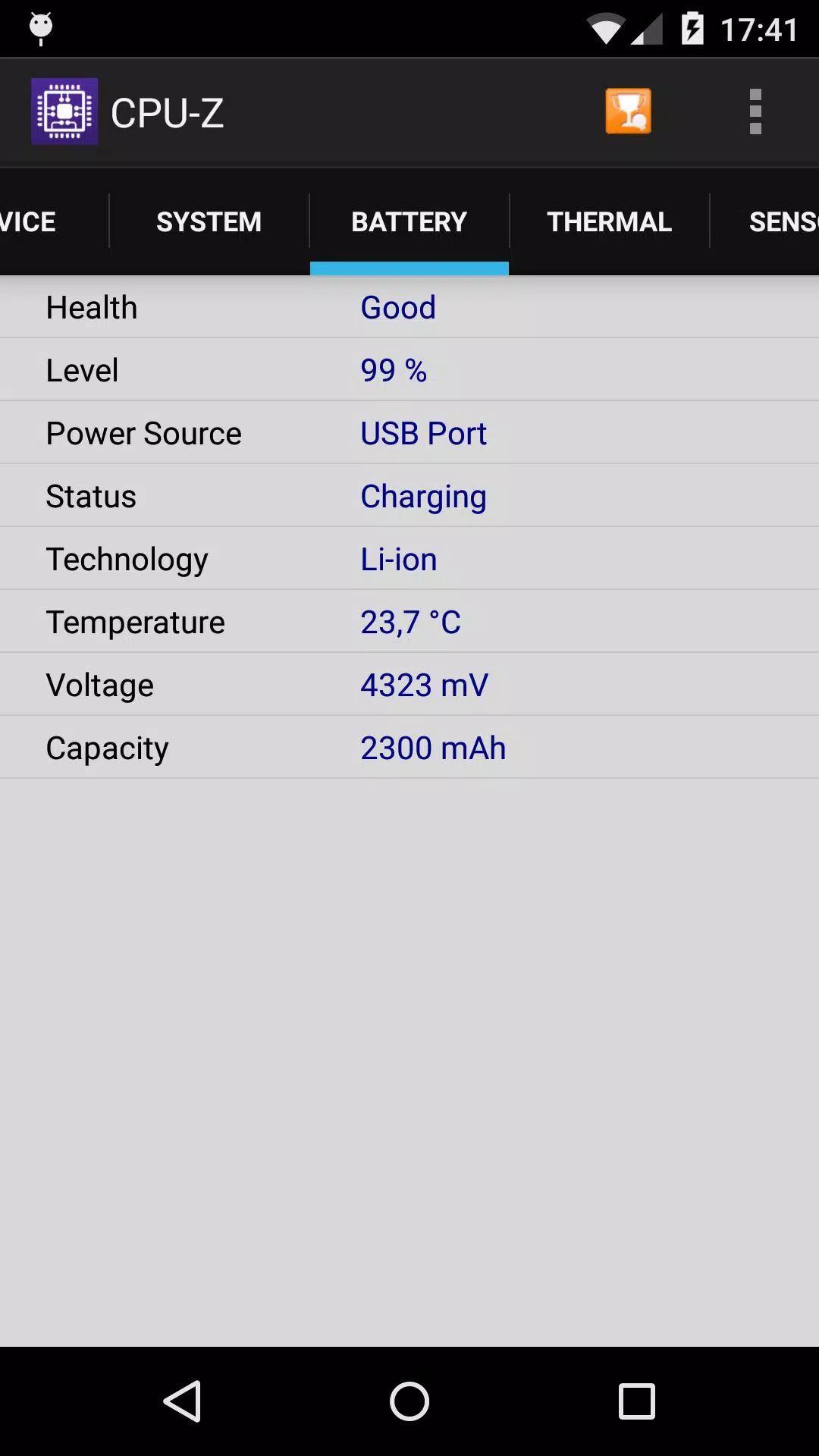
- Battery Information: Monitor your battery's level, status, temperature, and capacity, which can be crucial for managing your device's power efficiency.
- Sensors: Learn about the various sensors integrated into your device, enhancing your understanding of its functionalities.
To use CPU-Z, your device must run Android 2.2 or a newer version, ensuring broad compatibility across a wide range of devices.
The app requires specific permissions to function effectively:
- INTERNET: This permission is essential for the online validation feature, which allows you to store your device's hardware specifications in a database. After validation, you can access your validation URL directly in your web browser. Optionally, you can provide an email address to receive a reminder link.
- ACCESS_NETWORK_STATE: This permission is used for gathering statistics, ensuring the app can operate smoothly.
In case of any abnormal closure due to bugs, CPU-Z offers a settings screen that appears on the next launch. This screen allows you to disable main detection features, potentially resolving the issue.
Should you encounter any bugs, the app includes a "Send Debug Infos" option in the application menu, enabling you to send a detailed report via email for troubleshooting.
For additional support and answers to common questions, visit the FAQ at http://www.cpuid.com/softwares/cpu-z-android.html#faq.
What's New in the Latest Version 1.45
Updated on October 15, 2024, version 1.45 of CPU-Z now supports an array of new chipsets, including:
- ARM Cortex-A520, Cortex-A720, Cortex-X4, Neoverse V3, Neoverse N3.
- MediaTek Helio G35, G50, G81, G81 Ultra, G85, G88, G91, G91 Ultra, G99 Ultra, G99 Ultimate, G100.
- MediaTek Dimensity 6300, 7025, 7200-Pro/7200-Ultra, 7300/7300X/7300-ENERGY/7300-Ultra, 7350, 8200-Ultimate, 8250, 8300/8300-Ultra, 8400/8400-Ultra, 9200.
- Qualcomm Snapdragon 678, 680, 685.
These updates ensure that CPU-Z remains relevant and useful for users with the latest Android devices, offering up-to-date information and enhanced compatibility.