
 Download
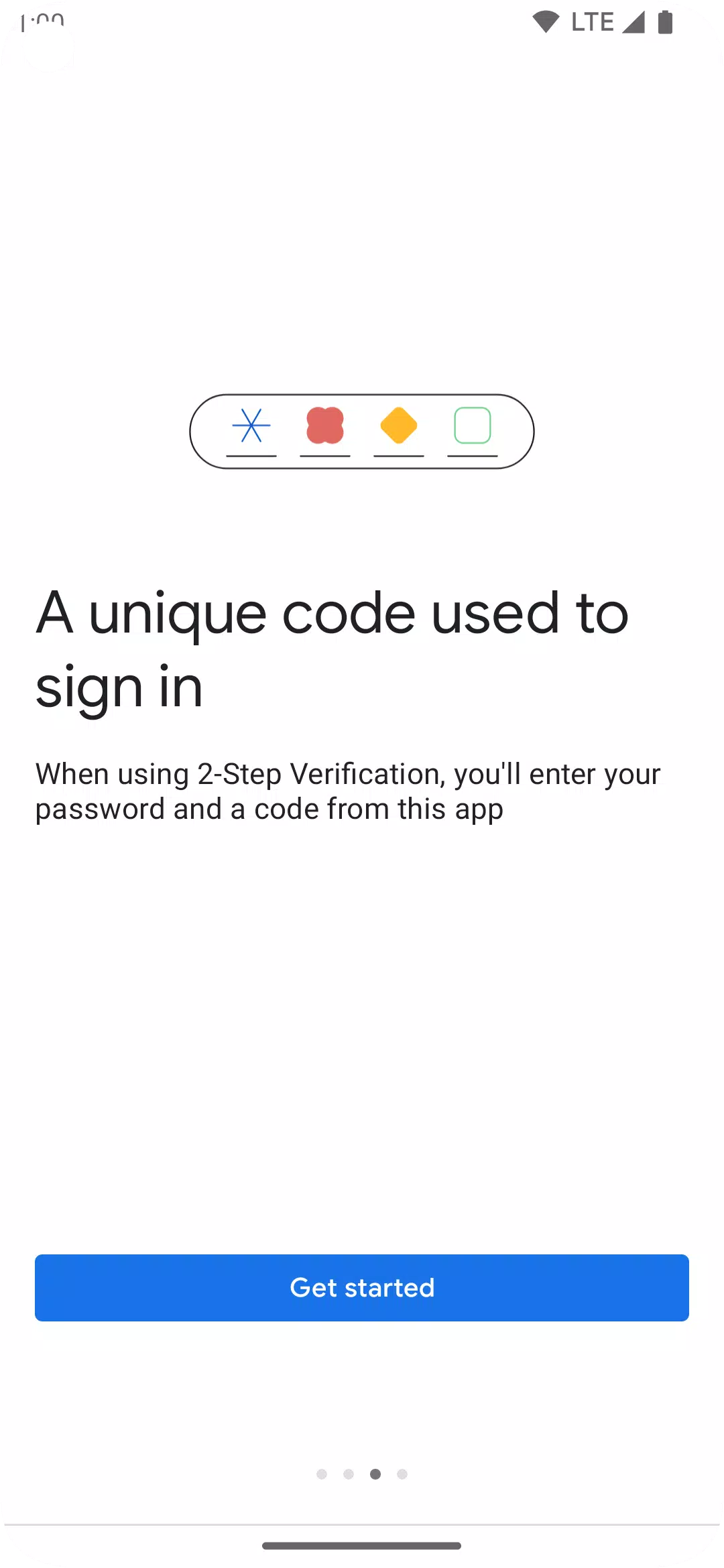
Google Authenticator enhances the security of your mobile device by adding an additional layer of protection to your online accounts. This app introduces a second step of verification during the sign-in process, requiring you to enter a unique code generated by the Google Authenticator app on your smartphone, in addition to your password.
A key advantage of Google Authenticator is its ability to generate verification codes offline, meaning you can access these codes even without a network or cellular connection. This feature ensures you're always protected, regardless of your connectivity status.
Here are some of the standout features of Google Authenticator:
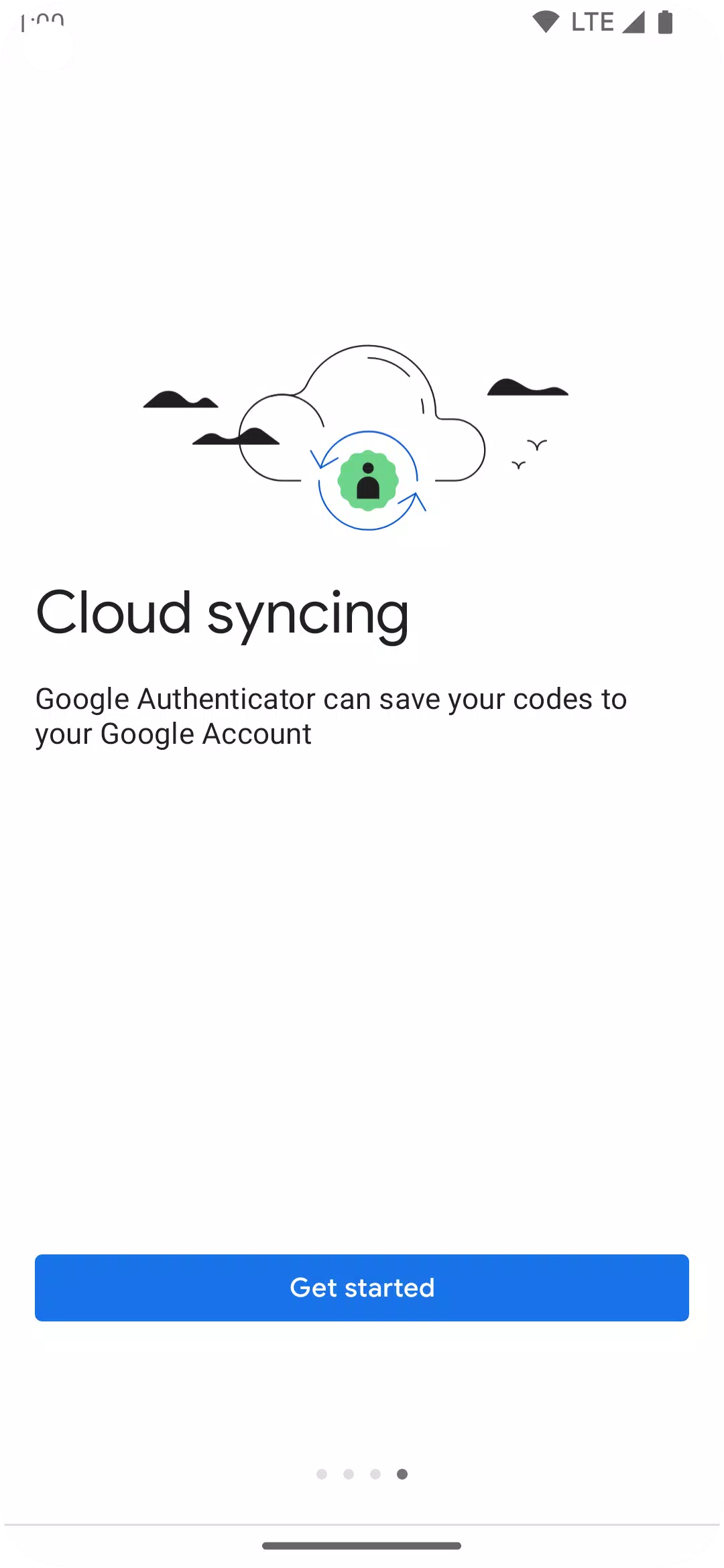
- Syncing Across Devices: You can now sync your Authenticator codes to your Google Account and across multiple devices. This ensures you can always access your codes, even if you lose your phone.
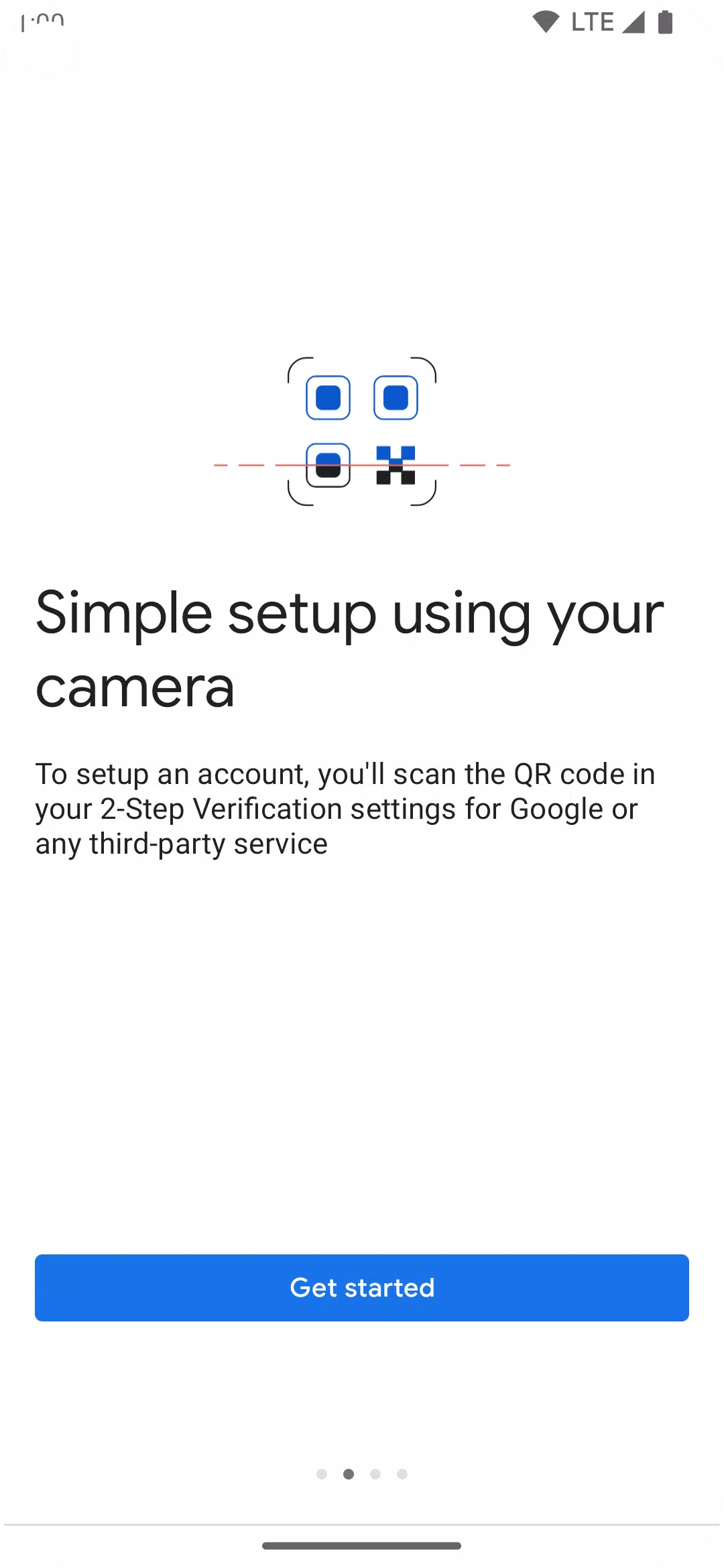
- QR Code Setup: Setting up your Authenticator accounts is streamlined with QR code scanning, making the process quick, easy, and accurate.
- Multiple Account Support: The app allows you to manage several accounts within the same interface, eliminating the need to switch between different apps for different accounts.
- Flexible Code Generation: Choose between time-based and counter-based code generation to suit your specific security needs.
- Easy Account Transfer: Transfer your accounts to new devices effortlessly using QR codes.
To utilize Google Authenticator with your Google services, you must enable 2-Step Verification on your Google Account. Visit http://www.google.com/2step to get started.
Permission Notice: The app requires camera access to scan QR codes for adding new accounts.
What's New in Version 7.0
Last updated on Aug 29, 2024
- Cloud Syncing: Now, your Authenticator codes can be synced with your Google Account and across your devices, ensuring you always have access, even if you lose your phone.
- New Icon and Illustrations: The app sports a refreshed icon and more modern, user-friendly illustrations.
- Improved UX and Visuals: We've enhanced the user experience and made the app more visually appealing to navigate.